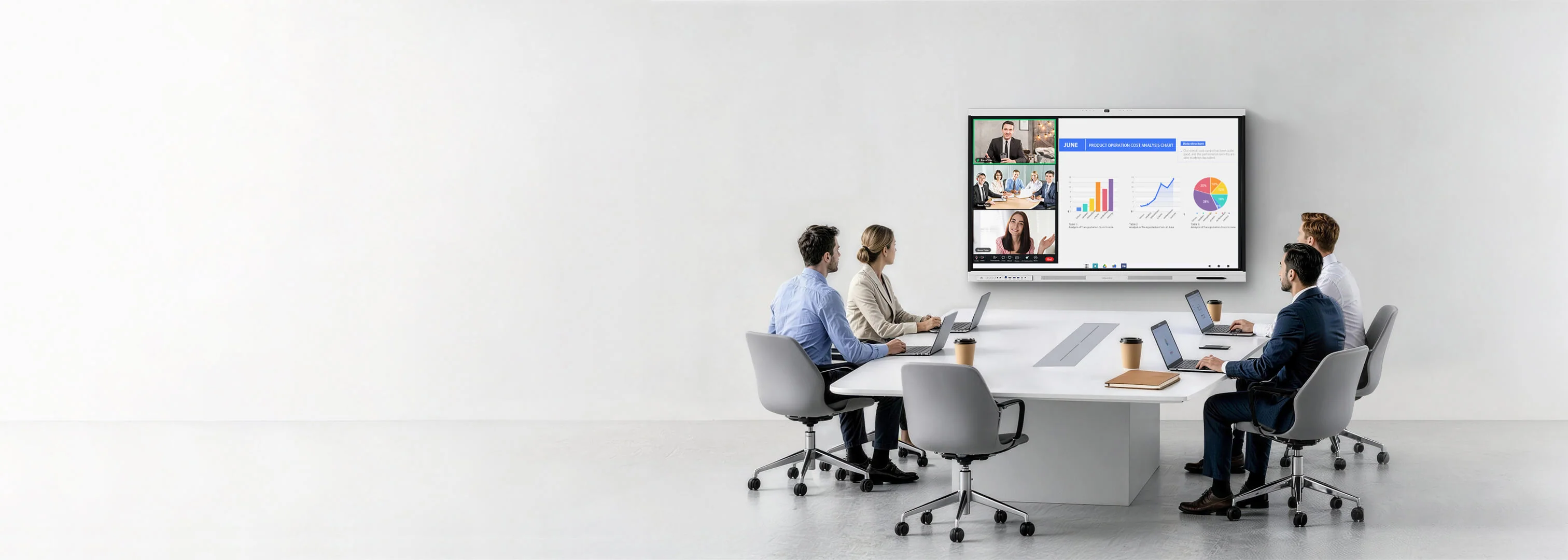
Multi-site meeting rooms often become inconsistent one purchase at a time. Different cameras, cables, operating systems, and control methods increase training demands and make remote troubleshooting difficult. IT administrators are responding by defining a repeatable room standard that covers connection, collaboration, security, management, and service.
Multi-site collaboration is addressed by Nework, a California-headquartered audiovisual brand drawing on 20-plus years of professional AV work for educational institutions, businesses, and homes. NewBoard unites touch, wireless casting, collaborative annotation, and managed control. IT leaders and purchasers can schedule a demonstration to assess repeatable room standards, rollout workload, centralized administration, equipment savings, and support.
A Shared Platform Creates a Repeatable Room
A configuration record can define every Nework smart board in a multi-site standard. IT can set the approved login, application list, update window, network profile, casting policy, naming convention, and recovery contact once, then attach that record to each room. A Google EDLA-certified Android 14 platform anchors the profile.
From a central console, remote configuration and centralized management let IT teams maintain settings and updates across rooms. A consistent interface also improves training: employees who learn how to start, cast, annotate, and share in one location can use the same sequence when they visit another branch or join a regional workshop.
Everyday room instructions can begin with one USB-C route for 4K picture and sound, data exchange, touch-back operation, and charging up to 65W. HDMI, LAN, Wi-Fi 6, Bluetooth 5.2, and wireless casting provide additional paths. Standardizing preferred connections helps support teams document a primary workflow while retaining options for existing devices.
Administrators can reserve a Windows OPS module for sites that need a controlled full-PC environment. Rather than placing an unmanaged room computer beside every board, an organization can use the standard platform broadly and reserve Windows modules for locations with applications that genuinely require them.
The result is a room template that can be photographed, documented, tested, and repeated. Hardware placement, screen size, login policy, network configuration, default applications, cable choice, and recovery steps become part of one deployment package instead of knowledge held by individual local staff members.
Integrated Conferencing Reduces Support Variables
Each branch can complete the same acceptance script before a room joins the standard. The test should cover account access, a scheduled meeting, camera framing from each seat, far-end speech pickup, laptop casting, annotation, note sharing, and remote restart. Comparable results give central IT evidence that a site is supportable.
Even when regional offices differ in lighting or seating, the camera can adjust exposure, focus, white balance, dynamic range, and framing. These functions help a standard configuration work under different lighting and seating conditions, even when an office cannot reproduce the exact furniture or window position of the pilot site.
Across Nework rooms, audio is stabilized through far-field pickup, gain control, echo cancellation, full-duplex conversation, and AI-based reduction of over 300 common noises. Integrated audio reduces the need to pair a board with different speakerphones whose pickup range, controls, drivers, and update procedures vary by branch.
Employees can choose among Webex, Google Meet, Microsoft Teams, Zoom, and other supported collaboration applications. Participants can cast from laptops or mobile devices, annotate shared material, use split-screen tools, save to the cloud, and distribute a QR code, keeping the meeting process consistent across locations.
For administrators, fewer components mean a smaller inventory of spares and a clearer troubleshooting tree. Support can first check account access, network status, application settings, and the integrated system rather than determining which of several third-party peripherals failed to enumerate on an unfamiliar local computer.
Governance and Service Turn Standards Into Scale
A multi-site standard should define more than a preferred model. Administrators need approved room sizes, mounting methods, network rules, account ownership, update windows, application lists, training material, escalation contacts, and replacement procedures. Those controls keep expansion from recreating the inconsistency the standard was meant to solve.
Administrators selecting a Nework smart board in 55-, 65-, or 75-inch form lets each room follow the same technology standard while matching its viewing distance. Huddle areas, normal conference rooms, and larger boardrooms can share workflows without forcing one physical size into every site.
Service planning can incorporate demonstrations, human assistance that targets 24-hour responses, nearby repair options, and warranty protection for the first year. Procurement teams can incorporate those service paths into internal escalation documents, ensuring local users know when to contact central IT and when a hardware case should move outward.
A phased rollout can begin with one representative room at several sites rather than completing one building at a time. That approach exposes regional network, mounting, delivery, and user-training differences early, allowing the standard to mature before a large quantity of rooms depends on it.
Regional support data can reveal whether the standard is working as intended. IT teams can compare connection failures, update completion, user questions, meeting interruptions, and repair time by site, then refine documentation or training before the same issue spreads across the wider deployment.
Successful standardization is visible when meeting behavior becomes predictable and support data becomes comparable. Users know how to connect, administrators know how to manage, and purchasers know what each room requires. The board then serves as part of an operating model rather than another isolated technology acquisition.
