Multi-color 3D printing can be useful well before a user reaches a professional production environment. For beginners, the challenge is choosing a printer that is accessible enough to learn while still providing a practical path toward more complex projects. The best entry-level multi-color 3D printer should therefore be judged by more than its color count. Ease of setup, material compatibility, print quality, software workflow, and room for future projects all matter.
Understanding these factors also makes it easier to move from simple decorative models to functional prototypes and more demanding multi-color projects. A gradual approach allows new users to learn how color changes, slicing settings, materials, and print preparation affect the final result.
Start With the Projects You Actually Want to Print
The right starting point depends on the type of models a user expects to make. Simple figurines, signs, educational models, product mockups, and mechanical parts place different demands on a printer. Someone learning multi-color printing may begin with models that use two or three clearly separated colors before moving toward designs with detailed color changes.
This progression helps users understand how the printer handles filament changes, color boundaries, support structures, and layer transitions. It also makes it easier to identify whether a problem comes from the model, slicer settings, filament, or printer itself.
What Should an Entry–Level multi-color Printer Offer?
For beginners, usability is often more important than having the largest possible feature set. A practical printer should provide a manageable setup process, consistent filament feeding, straightforward slicing software, and clear control over color assignments. These features reduce unnecessary troubleshooting and let users spend more time learning the design and printing process.
Build volume and print resolution also deserve attention. A compact printer may be sufficient for small models, while larger projects require more space and may benefit from a more capable machine. Resolution matters when a model contains small text, fine edges, or detailed surfaces.
Material support is another important consideration. PLA is commonly used for learning and general purpose models because it is relatively easy to print, while other materials may be selected when a project requires different mechanical or temperature characteristics. Users should confirm that the printer and its multi-color system are compatible with the filaments they plan to use.
When Is It Time to Move Beyond an Entry Level Setup?
An entry level printer can remain useful even as a user’s skills improve. However, growing projects may expose limitations in build size, printing speed, material options, automation, or workflow efficiency. If users regularly need larger models, more detailed color transitions, or repeated prints, these requirements can justify moving to a more capable system.
The transition should be based on actual workflow needs rather than simply choosing a more expensive printer. A user who mainly creates small visual models may not benefit from advanced production features, while a designer developing prototypes for frequent review may need greater reliability and control.
Using multi-color Printing for More Advanced Projects
As users gain experience, multi-color printing can support product prototypes, assembly models, educational demonstrations, and visually differentiated functional parts. Color can identify separate components or highlight specific areas without requiring the geometry itself to change.
For engineering and product development, color can also make complex assemblies easier to inspect. Different components can be visually separated, helping reviewers understand relationships between parts before a final manufacturing process is selected. The printed model remains a prototype, so it should not be treated as a substitute for specialized engineering tests.
Considering WonderMaker 3D as You Scale Up
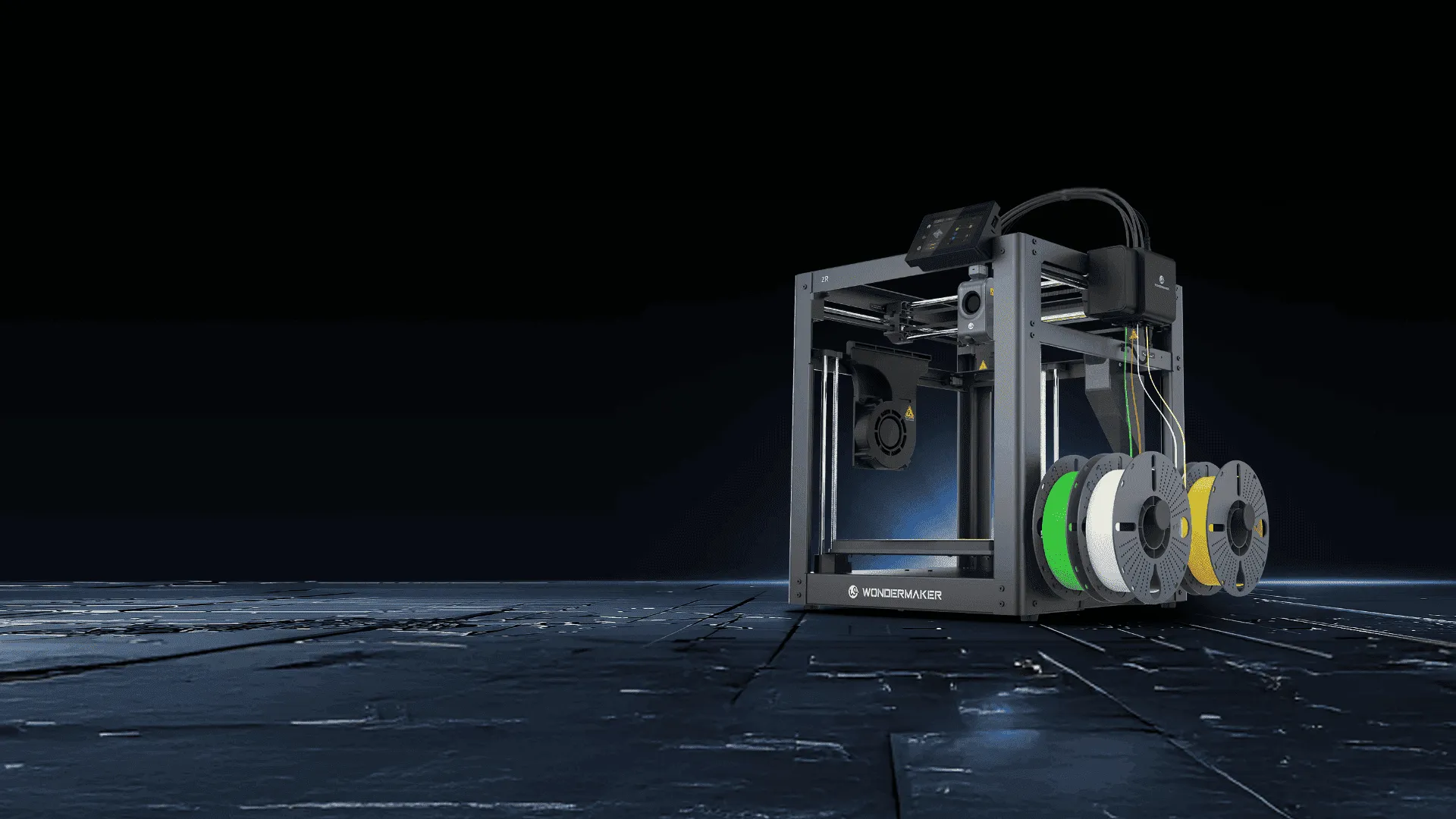
WonderMaker 3D offers multi-color 3D printing options that can be considered when users want to progress from basic models toward more detailed and demanding projects. Its ZR series is relevant for users looking for a multi-color printing system as their requirements develop.
When evaluating a system such as the ZR series, users should still compare the printer’s specifications with their own needs, including build size, supported materials, print detail, color workflow, and expected frequency of use. This keeps the purchase decision tied to practical requirements rather than specifications alone.
Build Skills Before Adding Complexity
Moving from an entry level machine to a more capable multi-color workflow is usually a gradual process. Users can begin by learning basic slicing, filament management, bed preparation, and color assignment, then introduce more complex models as they become comfortable with the process.
The best entry-level multi-color 3D printer is therefore one that matches the user’s current projects while leaving a reasonable path for growth. A well-matched printer can make the learning process more manageable and provide a foundation for increasingly complex multi-color applications.
A Practical Path to More Capable Printing
Multi-color 3D printing does not require users to jump directly into a complex professional workflow. Starting with manageable projects, learning the fundamentals, and choosing equipment based on real requirements creates a more practical progression. As project demands increase, users can then consider greater build capacity, broader material support, more efficient color management, and improved workflow control.
For anyone comparing the best entry-level multi-color 3D printer options, the most useful question is not which machine has the longest specification list. It is whether the printer can handle today’s projects reliably while supporting the skills and applications the user expects to develop next.
